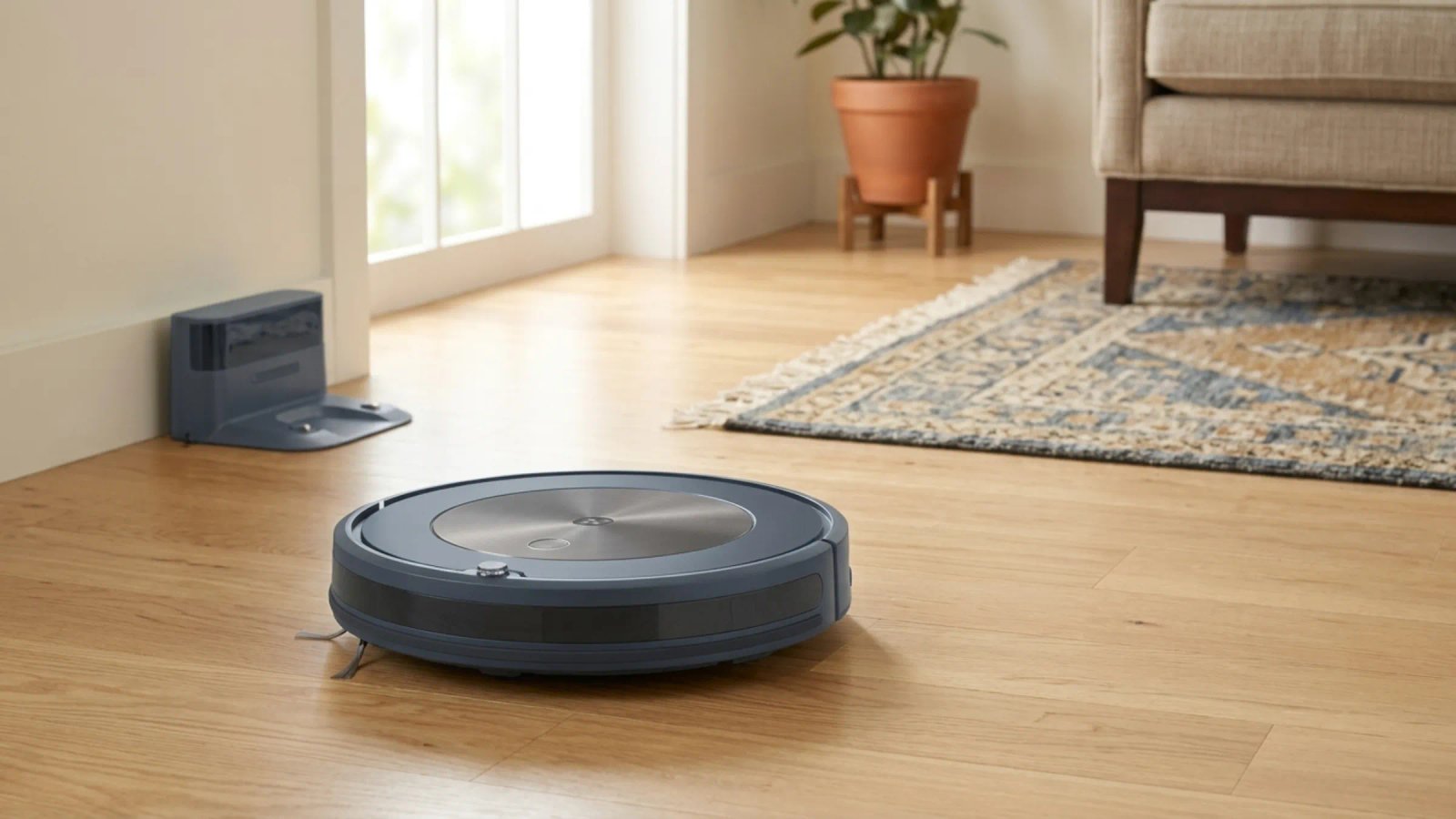
The robot vacuum market has spent several years in a suction arms race. Figures on sale now run from 1,500 Pa to 35,000 Pa, and the number gets larger every year, printed bigger on every listing.
It is the least useful specification on the page.
Pascals measure sealed suction at the intake port under test conditions that no manufacturer is required to standardise or disclose. What reaches your carpet depends on the airflow path, the brush design and how well the dustbin seals — and a well-engineered 12,000 Pa robot routinely outperforms a 20,000 Pa one with a restrictive brush and a leaky bin.
Meanwhile the specification that genuinely determines whether you’re happy with a robot vacuum barely gets mentioned: how it navigates. A robot that maps badly misses whole areas, gets stuck under the same chair every day, and needs rescuing — and no amount of suction compensates for a machine that never reaches the dirt.
Here’s what to actually check.
The short version
Navigation first. LiDAR is the standard and works in any lighting. Avoid anything that navigates by bumping into things.
Brush type second, especially with pets or long hair. A rubber anti-tangle roller is the difference between a machine you maintain occasionally and one you cut hair off weekly.
A self-empty dock third — it’s what turns the robot from a gadget you tend into an appliance you forget about.
Then pick suction to match your floors. The sweet spot for most buyers sits between $300 and $600, where LiDAR navigation and a self-emptying base are both available without flagship pricing.
Navigation: the spec that actually decides it
Three approaches are on the market, and the gap between them is wide.
LiDAR spins a laser to build an accurate map of your home. It works in complete darkness, cleans in systematic rows rather than wandering, remembers multiple floors, and supports no-go zones you draw in the app. This is the standard and has effectively won the category.
Camera-based (vSLAM) uses a camera to recognise its surroundings. It needs reasonable light to work well — a room cleaned at night may be navigated poorly — but cameras are better at identifying obstacles, which is why premium models often pair a camera with LiDAR: lasers for mapping, camera for recognising a sock before it eats it.
Gyroscope and random bump-and-go are what you get at the bottom of the market. The robot travels until it hits something, turns, and continues. It has no map, no memory, and no way of knowing which areas it has covered. In a small studio this is tolerable. In a multi-room home it means constant missed patches and frequent rescue missions.
Avoid bump-and-go. It’s the single biggest source of robot vacuum disappointment, and it’s why so many cheap ones end up in a cupboard.
Obstacle avoidance is separate from mapping. A robot can map your home perfectly and still drive through a dog’s mess. Dedicated obstacle avoidance — usually camera or structured-light based — is what prevents that, and it’s one of the main things the step up above about $700 buys you.
Suction, in proportion
Pa is not useless, it’s just over-weighted. It works as a rough baseline for floor type.
Floor type | Rough Pa baseline |
Hard floors only | 2,000–4,000 |
Low-pile carpet, pets | 5,000+ |
Thick or high-pile carpet | 10,000+ |
Most models on the market cluster around 5,000–6,000 Pa, which covers the majority of homes.
The more useful question than maximum suction is whether the robot auto-boosts on carpet. Carpet detection that ramps the motor up when it rolls onto a rug and drops it back on hard floor matters far more in daily use than a headline figure you’d only ever see on maximum power, which also drains the battery and makes the machine loud.
Why high Pa doesn’t translate: suction has to travel from the floor, past the brush, through the airway, into the bin, and out through the filter. A restrictive brush housing, a poorly sealed dustbin or a clogged filter all throttle it. Independent testers who measure actual sealed suction at the floor rather than quoting the spec sheet routinely find the ranking doesn’t match the advertised numbers.
Treat Pa as a floor-type filter, not a quality ranking.
Brush design: the pet-hair question
If anyone in the house has long hair, or you have a shedding animal, this matters more than suction.
Rubber or silicone rollers with anti-tangle geometry — combs, scrapers, dual counter-rotating designs — resist hair wrapping around the brush. They don’t eliminate it entirely, but they substantially reduce how often you’re sitting on the floor with scissors.
Bristle brushes tangle. Hair wraps around the axle, binds the bearings, and cuts suction well before you notice. In a pet household this becomes a weekly chore.
Anti-tangle designs generally appear from around the $400 mark upward, and for pet owners they’re worth prioritising over a higher suction figure.
Side brushes tangle too, and they’re the ones people forget. Look for anti-tangle side brushes as well, or accept that you’ll be clearing them.
The self-empty dock
Without one, you empty a small onboard bin every second or third cycle — which eliminates most of the point of owning a robot.
With one, the robot returns to its base, which vacuums the bin into a much larger container. Depending on model, that container holds somewhere between 30 and 90 days of debris.
Bagged docks seal the dust inside a disposable bag, typically 2.5–3 litres, replaced every 60–90 days. Better for allergy sufferers because you never handle the dust, and the bag can be HEPA-rated. The cost is proprietary consumables — check the bag price before you buy, because it’s a recurring charge for the life of the machine.
Bagless docks — Shark’s approach, among others — tip the dust into a reusable canister you empty yourself. No consumable cost ever, but you handle the dust when emptying, and the capacity is usually lower.
Two things nobody mentions: the dock takes up real floor space, usually against a wall with clearance either side, and the transfer cycle is loud — significantly louder than the robot itself. If the dock lives near a bedroom, schedule cleaning for when nobody’s sleeping.
Mopping: manage expectations
Most robot “mopping” is a damp cloth dragged across the floor. It picks up light dust and leaves a thin film of water. It does not scrub, and it will not lift dried-on anything.
Three tiers exist:
Basic damp pad. Standard on mid-range models. Fine for maintenance, useless for actual cleaning.
Sonic or oscillating pads. Vibrate to provide some scrubbing action. A genuine improvement.
Self-washing docks. Premium territory. The dock washes and dries the mop pad, some with hot water. This is the version that works without you handling a dirty pad.
Auto mop-lift on carpet detection is the feature to look for if you have both hard floors and rugs — without it, the robot drags a wet pad across your carpet. It typically appears above about $700.
If your floors are mostly carpet, skip mopping entirely and buy a better vacuum instead.
The tiers
Under $300 | $300–600 | $700–1,000 | $1,000+ | |
Navigation | LiDAR at the top of this tier | LiDAR | LiDAR + obstacle avoidance | Advanced avoidance |
Suction | 5,000–8,000 Pa | 8,000–13,000 Pa | 10,000+ Pa | 10,000+ Pa |
Self-empty | Some models | Yes | Yes | Yes |
Brush | Often bristle | Anti-tangle common | Anti-tangle | Anti-tangle |
Mopping | Damp pad | Damp pad | Auto-lift, sonic | Self-washing, hot water |
Under $300
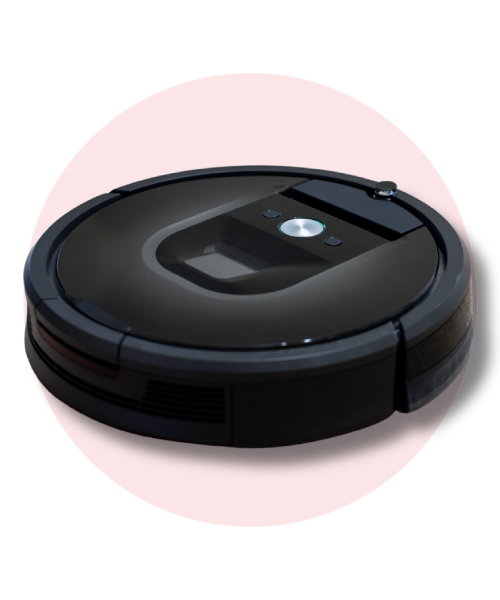
LiDAR and self-emptying bases have both reached this price point, which wasn’t true a couple of years ago. Models at the top of this tier offer genuine mapping and a dock.
What you give up is brush quality — many still use bristle rollers — obstacle avoidance, and mopping beyond a damp pad.
Buy here if: hard floors, no pets, and you mainly want dust and crumbs handled.
Skip it if: you have long hair or a shedding animal. Spend the extra on an anti-tangle brush.
$300–600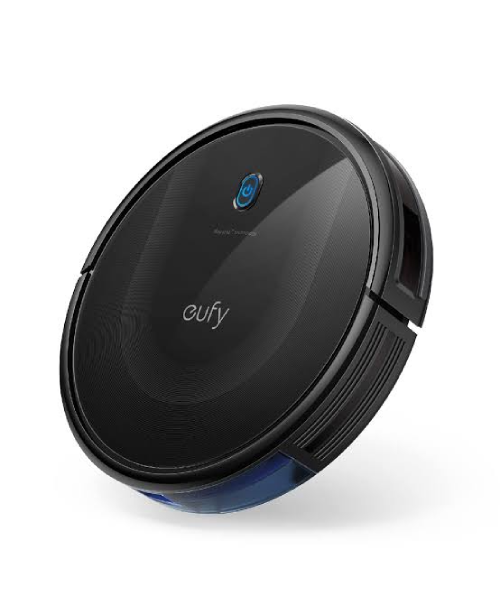
This is where most people should buy. LiDAR navigation, a self-emptying base, suction well past what a normal home needs, and anti-tangle brush designs are all available here.
Buy here if: you want a robot that works reliably without being a project. This tier covers the overwhelming majority of homes.
Skip it if: you specifically need obstacle avoidance because of pets or a cluttered floor.
$700 and above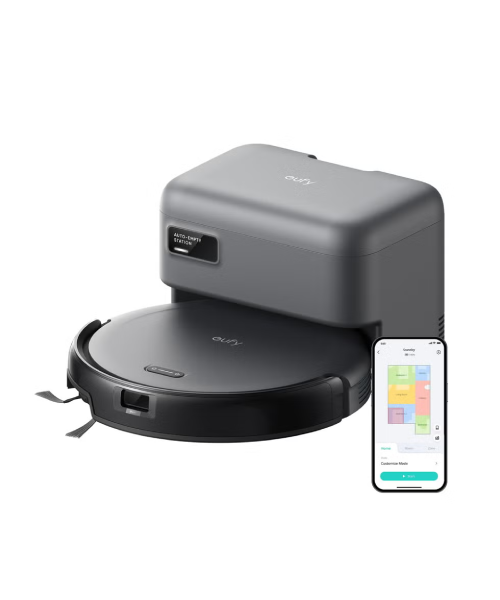
Obstacle avoidance that reliably identifies and steers around cables, socks and pet accidents. Auto mop-lift. Self-washing mop docks, some with heated water. Edge-extending brushes and mop pads for corners.
These are refinements rather than transformations. The robot doesn’t clean dramatically better — it needs rescuing less often and handles mopping properly.
Buy here if: you have pets and a cluttered floor, or you genuinely want the mopping to work.
Skip it if: your floors are tidy and mostly carpet. You’re paying for features you won’t use.
Mistakes worth avoiding
Buying on the Pa figure. It’s self-reported, unstandardised, and throttled by everything downstream of the intake. Navigation and brush design matter more.
Buying bump-and-go navigation to save money. It’s the most common regret in the category. A cheap robot with LiDAR beats an expensive one without it.
Ignoring the brush type with pets. Bristle rollers and long hair are a weekly maintenance appointment.
Forgetting to check robot height. If you want it to clean under the sofa and bed, measure the clearance first. Slim models around 3 inches exist specifically for this.
Not checking consumable costs. Bags, filters and brushes are recurring. Price three years of them before comparing models.
Assuming “HEPA” means HEPA. A filter described as HEPA-style or HEPA-type has not necessarily been tested to the standard. If allergies are the reason you’re buying, look for a specific claim rather than the word.
Expecting it to replace a vacuum entirely. It handles maintenance cleaning. You’ll still need a proper vacuum for deep cleans, stairs and upholstery.
Frequently asked questions
How much suction do I need in a robot vacuum?
Around 2,000–4,000 Pa for hard floors, 5,000+ for carpet and pets, 10,000+ for thick pile. Beyond that, extra Pa adds noise and battery drain more than cleaning.
Is LiDAR worth paying for?
Yes. It’s the single biggest determinant of whether the robot cleans your whole home reliably, and it’s available well under $300 now.
Is a self-emptying dock worth it?
If you want a hands-off appliance, yes. Without one you’re emptying a small bin every two or three runs, which removes most of the convenience.
Bagged or bagless dock?
Bagged seals dust away and suits allergy sufferers, but has a recurring cost. Bagless has no consumables but you handle the dust.
Can robot vacuums actually mop?
Most drag a damp cloth. Sonic or oscillating pads scrub a little; self-washing docks handle the dirty pad for you. None of them scrub like a human with a mop.
Do they work with pets?
Yes, with the right brush. Prioritise an anti-tangle rubber roller and obstacle avoidance if accidents are a possibility.
The recommendation
Buy in the $300–600 band unless you have a specific reason not to. That gets you LiDAR navigation, a self-emptying base and more suction than a normal home needs, which is the combination that makes a robot vacuum worth owning.
Prioritise in this order: navigation, brush type, dock, then suction. If you have pets or long hair, move brush type to the top.
Go above $700 only if you need real obstacle avoidance or you want the mopping to function properly. And treat the Pa number on the box as what it is — a figure chosen because it’s the easiest one to make larger each year.

Leave a comment